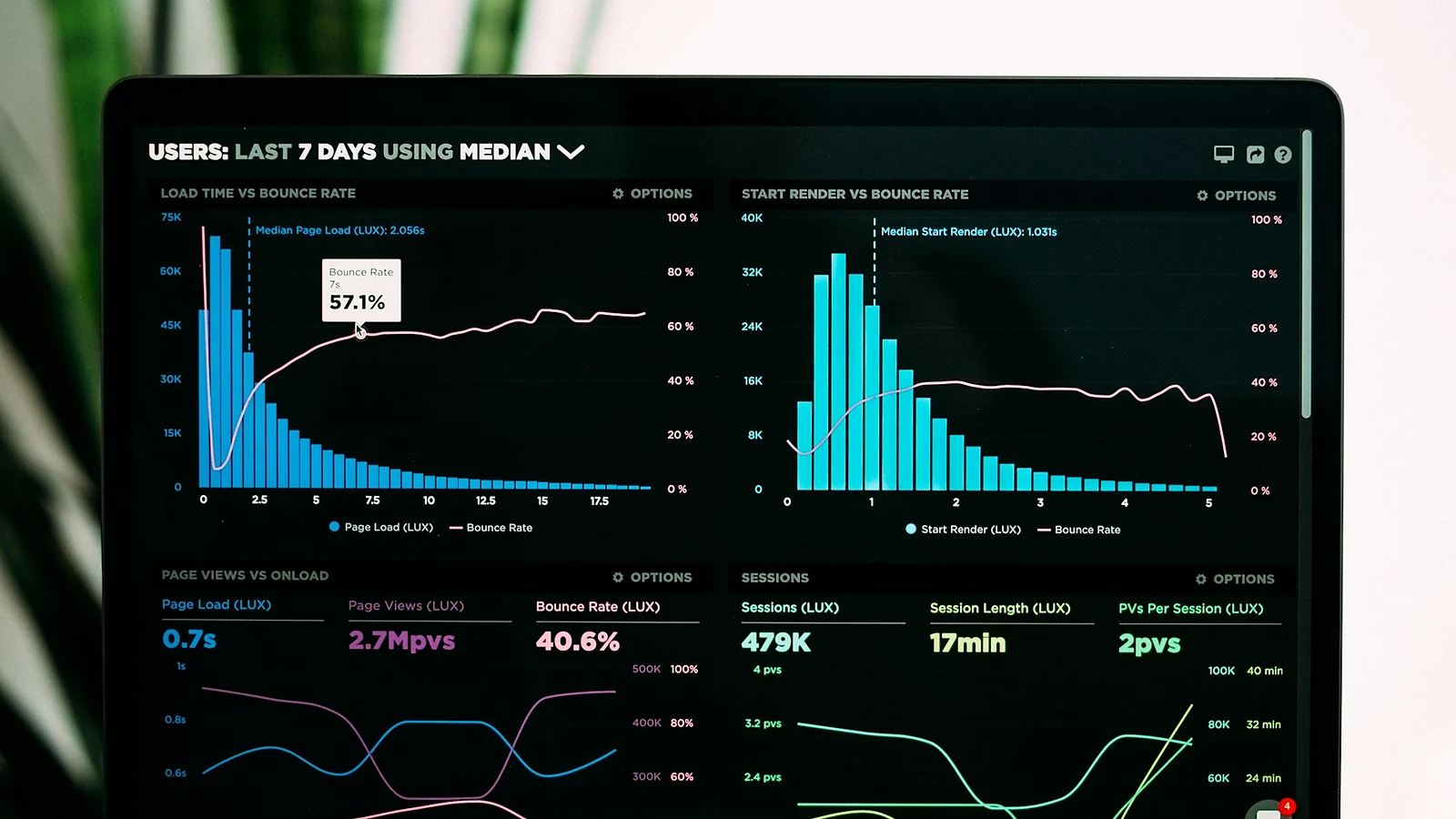
Few things make a business owner’s stomach drop quite like opening analytics and seeing the line go the wrong way. Enquiries slow down, the phone goes quiet, and the obvious conclusion is that something has gone badly wrong with your website or with Google.
Sometimes it has. Very often it has not, and the drop is either not real or has a boring explanation. The trick is to work through the possibilities in the right order, because almost everybody starts at number eight and never checks number one.
Here is the order I use.
1. Check the Drop Is Real
Before anything else: is traffic actually down, or has your measurement of traffic changed?
This catches more people than any other cause on this list, and it almost always follows a website change. A site gets rebuilt and the analytics tag does not make it onto the new pages. A cookie banner gets installed and now only people who click “accept” are counted. Someone adds a new tracking tool and it quietly conflicts with the old one.
The tell is a drop that is sudden, vertical and lands on the exact day something changed on the site. Real traffic drops are usually a bit messier than that. Cross-check against Google Search Console, which counts impressions and clicks at Google’s end and does not care whether your tracking code is working. If Search Console is flat and your analytics has fallen off a cliff, you have a tracking problem, not a traffic problem.
2. Check Impressions Against Clicks
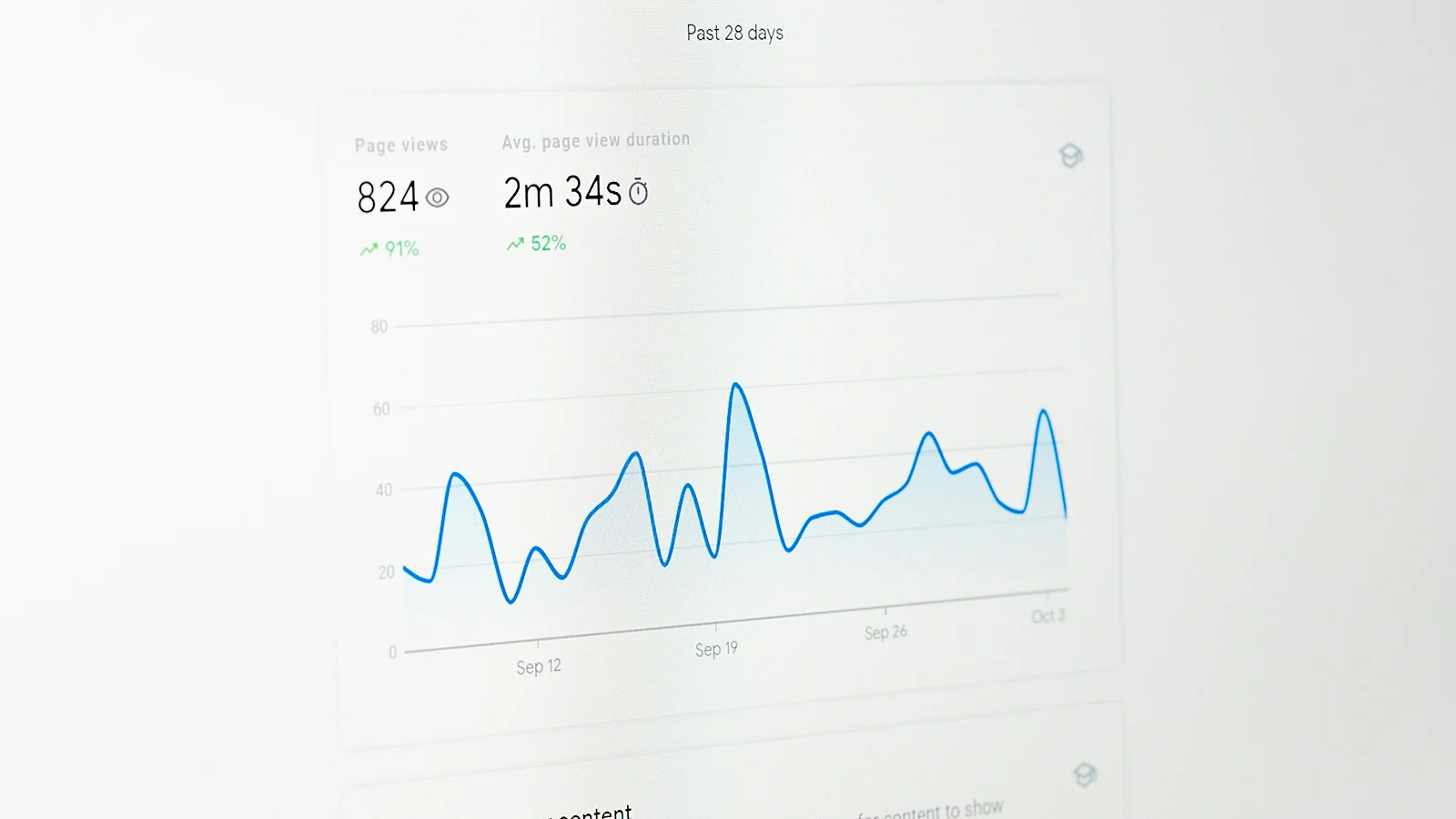
Open Search Console, go to the performance report and put impressions and clicks on screen together over the last six months.
There are three different stories in that one graph:
- Impressions down, clicks down. You are being shown less often. This is a ranking or indexing problem — keep reading.
- Impressions flat or up, clicks down. You are still being shown, but fewer people are clicking. This is a results-page problem, not a ranking problem, and it is increasingly common.
- Both flat, but enquiries down. Your traffic is fine and something on the site has stopped converting. Different problem entirely, and usually a form that has quietly broken.
That middle one is worth dwelling on, because it is the defining change of the last couple of years. AI Overviews, featured snippets and the various answer boxes now sit above the results and answer a lot of simple questions outright. If your best-performing pages were answering short factual questions, some of those clicks are not coming back, and no amount of SEO work on that page will win them. The response is to shift toward the questions that genuinely need a business behind them, and to make sure you are the source being cited — which is a longer subject I covered in getting found on AI search.
3. Find Out Which Pages Lost the Traffic
Still in Search Console, compare the last 28 days against the previous 28 and sort by the biggest drop in clicks, first by page and then by query.
The shape of what you find tells you most of what you need:
- One page lost everything. Something happened to that page. Check it still loads, still exists at the same address and has not been accidentally noindexed or rewritten.
- Every page lost 20-30%. That is a site-wide pattern, which usually means a Google update or a technical issue affecting the whole site.
- One query lost everything, across pages. Someone has outranked you for your most valuable search, or that search is now being answered on the results page.
4. Check For a Google Update
Google changes its ranking systems constantly and runs several large, named updates a year. If your drop starts on a particular date and never recovers, compare that date against the announced update windows.
If it lines up, the honest answer is that there is no switch to flip. Recovery from a core update comes from genuinely improving the site: better content, better experience, more evidence that a real business stands behind it. It also usually takes months, not days. Anybody promising to reverse a core update hit in a fortnight is selling something.
5. Check Nothing Is Telling Google To Go Away
This is the one that causes the most damage and is the easiest to fix, because it is nearly always an accident left over from a rebuild.
- A noindex tag left switched on. Sites are usually hidden from search while they are being built. If someone forgets to switch that off at launch, your rankings will disappear over the following weeks.
- robots.txt blocking the site. Load yourdomain.co.uk/robots.txt and look for Disallow: /.
- Canonical tags pointing at the wrong page. A canonical tag tells Google which version of a page is the real one. Point them all at the homepage by mistake and everything else drops out.
- Pages removed from the index. Search Console’s Pages report tells you how many of your pages are indexed and why the rest are not. A sharp fall there explains a sharp fall in traffic.
6. Check the Site Was Actually Up
If your hosting had problems, if an SSL certificate expired, or if the site got slow enough that Google’s crawler started giving up, you can lose visibility for as long as that lasted and a while afterwards.
Expired certificates are the brutal one, because visitors get a full-screen browser warning telling them the site is not secure. Most people turn straight around. You lose the traffic and the trust at the same time.
7. Check What Happened To Your URLs
Did anything get rebuilt, restructured or moved in the months before the drop?
Every page that changes address needs a 301 redirect from the old address to the new one. Without them, every link anybody ever built to those pages, and every bit of ranking history they had, points at a 404. This is the single most common way a nice new website ends up with worse traffic than the ugly old one.
Watch for the quiet version too: changing a page’s title and heading so thoroughly that it is now about a different subject. The page still loads, but it no longer matches the searches it used to win.
8. Check Your Google Business Profile
For local businesses, a chunk of what feels like “website traffic” comes through the map results. If your profile was edited, suspended, merged with a duplicate, or had its category or opening hours changed, local visibility can fall sharply without a single thing changing on your website.
Check the profile is live, that the category is right and that the address and phone number match what is on your site exactly. If it needs a rebuild, I covered that in setting up a Google Business Profile.
9. Rule Out Seasonality Before You Rule In Disaster
In Cornwall this matters more than almost anywhere. Plenty of businesses here see searches fall off a cliff in October and come back in March, and that pattern has nothing to do with Google.
Compare this month against the same month last year, not against last month. If last year shows the same dip at the same time, you have found your answer, and the useful question becomes what to do with the quiet months rather than how to fix a problem that does not exist.
10. Look At Who Is Above You Now
If none of the above explains it, go and search for the terms you used to rank for and look at who is there instead.
Sometimes a competitor has invested properly and genuinely outranked you. Sometimes a national directory has taken the spot. Sometimes the results page itself has changed shape — more ads, a map pack, an AI answer — and pushed the first organic result far enough down that its clicks dried up even though its position never moved.
All three call for different responses, and you cannot pick one without looking.

What Not To Do
Do not rewrite the whole site in a panic. The most expensive version of this problem is the one where a drop with a simple cause gets “fixed” by changing fifty things at once, after which nobody can tell what helped, what hurt, or what the original problem even was.
Change one thing, write down what you changed and when, then wait and watch. Search is slow. A fortnight of patience beats a weekend of thrashing.
If You Have Worked Through All Ten
Most drops turn out to be one of three things: tracking that broke, a redirect that was never set up, or clicks disappearing into the results page itself. All three are findable in an afternoon with Search Console and a bit of method.
If you have been through the list and still cannot see it, that is usually the point to get a second pair of eyes on it — before the quiet month becomes a quiet quarter.
Traffic dropped and the checks have not explained it?
Send me the website address and what you are seeing. I will go through your Search Console data and tell you honestly what I think happened, whether or not there is any work in it for me.
Start the conversation